
Success!
You just purchased an item with a redeemable NFT. Follow the step by step instructions below to get set up to claim your NFT
-
![]()
STEP 1
Download the VFi App. This is where you’ll scan your packaging and get added to whitelist to claim your NFT
-
![]()
STEP 2
Download and set up a Metamask Crypto Wallet. Metamask is a secure application that will store your cryptocurrency and NFTs. This is where your NFT will be downloaded once it is issued. Follow all of the Metamask instructions carefully and make sure you keep your passphrase somewhere safe so you don’t lose it. If you already have a Crypto Wallet set up, you can skip this step.
-
![]()
STEP 3
When you mint (claim) your NFT, you will be charged a transaction fee on the Ethereum network, aka Gas. To pay the Gas fee, you will need to add some Ethereum Cryptocurrency to your Wallet. To get Ethereum in your wallet, you will need to use a service like Coinbase or Moonpay to convert US$ into Ethereum. We recommend that you purchase at least 0.006 ETH or roughly $20 to cover the transaction fees for the Crypto Cannabis Club NFT
-
![]()
STEP 4
You’re now set up to scan! Go back to the VFi app and add your Metamask wallet.
-
![]()
STEP 5
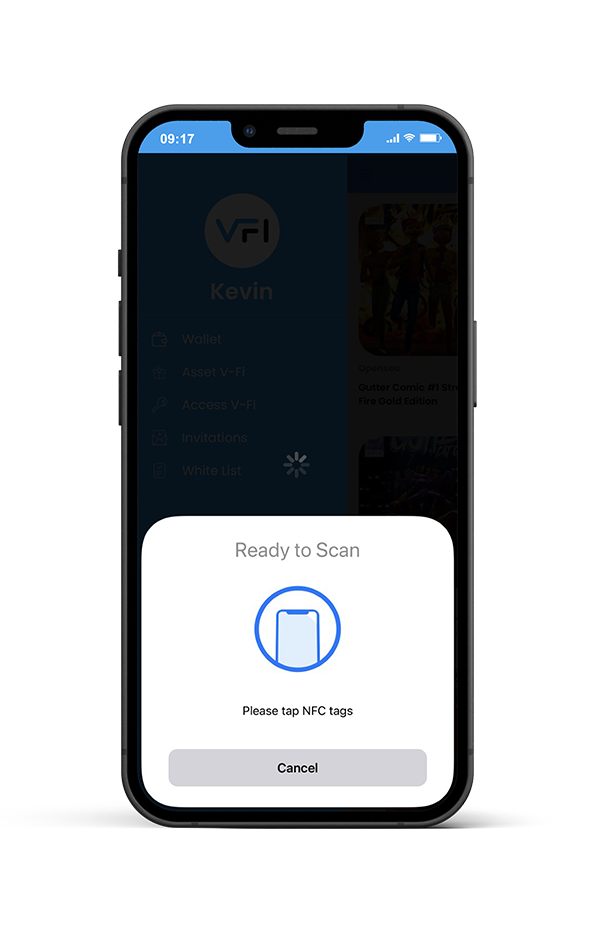
On the VFi menu tab, select “Asset VFi”. An NFC reader will pop up on your screen. Place your phone close to the packaging to scan.
-
![]()
STEP 6
Following the scan, your wallet address will be added to the “Whitelist” tab on the menu bar. This tab will house the webpage that you will go to when you can mint your NFT.
-
![]()
STEP 7
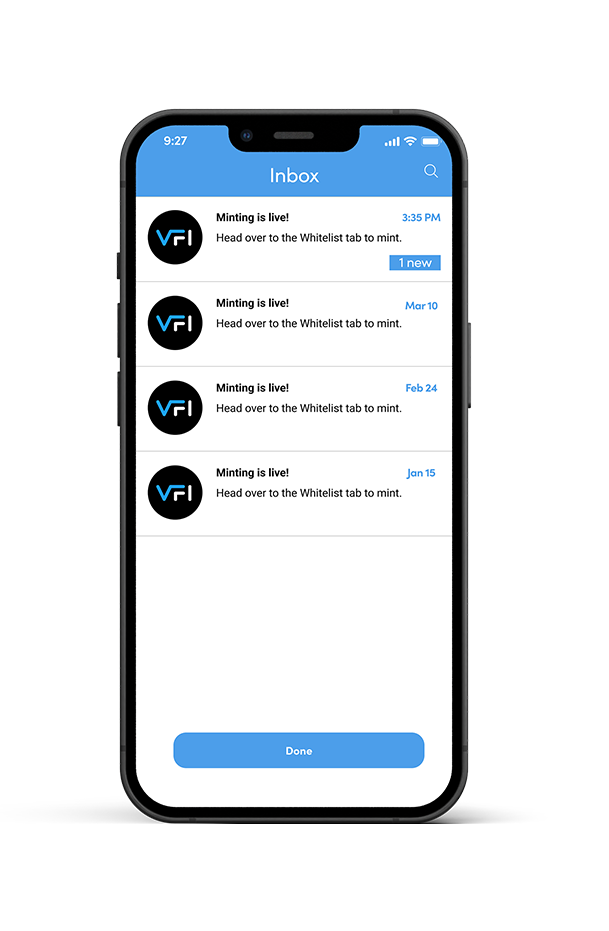
When your NFT is ready to mint, you will get a notification on the VFi app. Click on the link to navigate to the mint page to claim your NFT.
-
![]()
STEP 8
Once you’re on the mint page, follow the prompts to connect your wallet. To mint, simply click the “Mint” button. Metamask will ask you to “sign” to verify the execution of your transaction. Sign and your transaction will begin to process. You’ve now successfully claimed your NFT.





The Basics
What is an NFT?
NFTs or non-fungible tokens are digital assets in which each token is unique- unlike cryptocurrencies that are indistinguishable (bitcoin or a dollar bill) and worth the same amount. NFTs can come in the form of art, photos, videos, and music and can be used to authenticate public proof of ownership.
What is ETH and how do I purchase it?
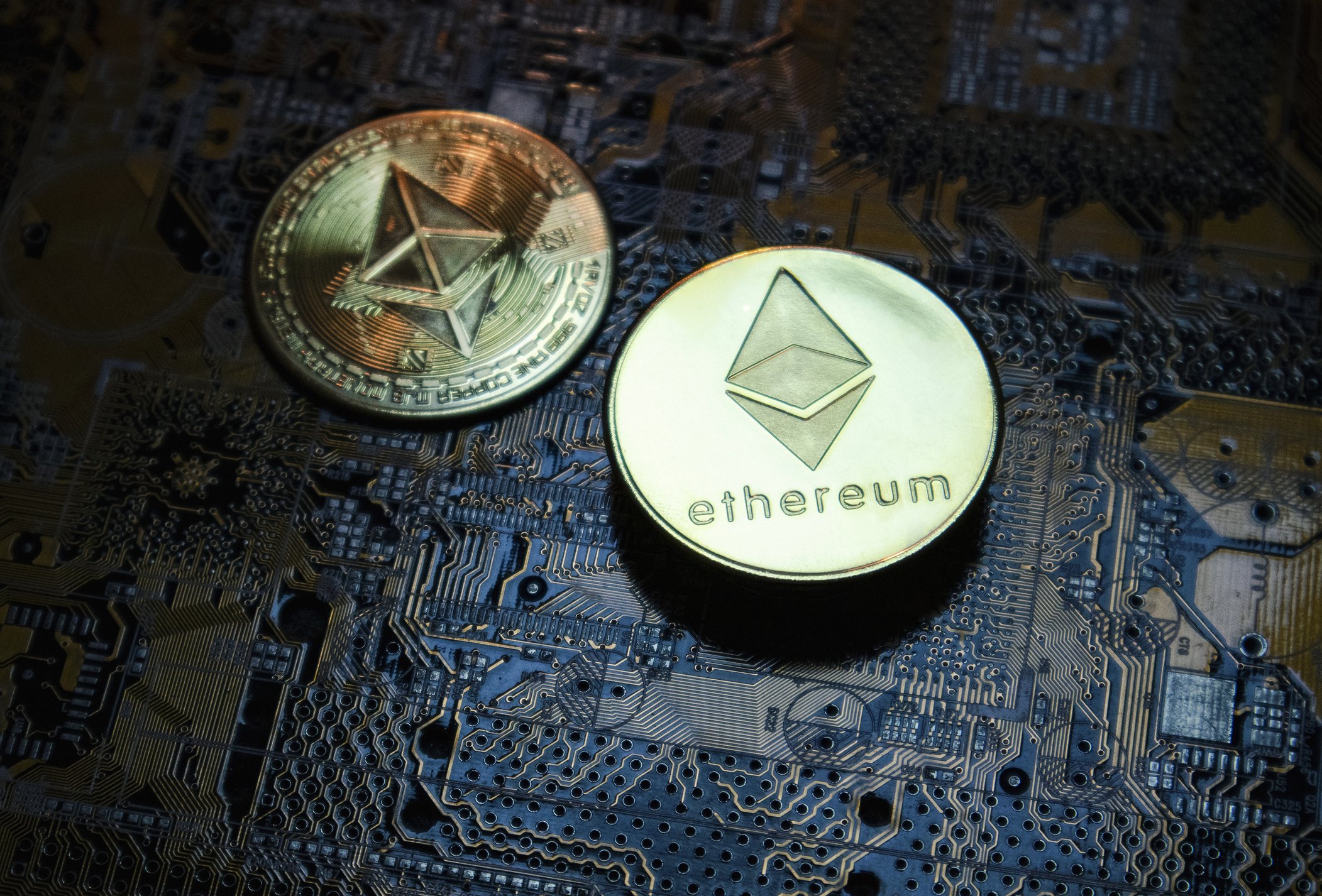
ETH, short for Ethereum, is a type of cryptocurrency. It can be used to buy, sell and trade NFTs.
To buy ETH, you must download Coinbase (recommended) or your preferred crypto trading platform, set up an account, and link your bank account to pay. Once you have an account, you will go to "trade" and "Buy Ethereum with Cash"

What is a Metamask wallet and how do I set one up?
A Metamask wallet is a virtual currency wallet (hot wallet) used to hold cryptocurrencies and to facilitate buying, selling, and storage of NFTs. Learn how to set up a Metamask wallet here
How do I move ETH from Coinbase to Metamask?
Once you've purchased the ETH, you'll need to send it to Metamask to mint your NFT. To do so, you need to:
Copy your wallet address on Metamask.
From your Coinbase, go to "Assets" and click on "Ethereum".
Your Ethereum wallet should now be displayed with the amount you purchased. Click on "Ethereum".
If using the app, click on the arrow in the top right corner. On the browser, click "Send"
Input amount you would like to send and press continue
To enter recipient, paste your Metamask wallet address in the "To" box
Preview send information is correct and send
The transfer typically takes a few minutes to reach your Metamask wallet
Claiming the NFT
-
Gas refers to the cost needed to complete a transaction on the Ethereum blockchain. Gas fees fluctuate based on the computational supply and demand at the time of processing a transaction on the network. Gas prices fluctuate and it is recommended that when Gas prices are high, wait until they drop to make a purchase. You can track Gas prices here: https://etherscan.io/gastracker
-
A whitelist is a term often used in the NFT space for a wallet address that has been pre-approved to mint an NFT. Once on the list, you can mint the NFT when the Whitelist mint occurs.
-
To mint an NFT, you must navigate to a minting website, also known as a DAPP. Once you arrive on the site, you will connect your wallet, select how many NFTs you would like to mint, and select "mint". You will be prompted to "Sign", confirming that you would like to go through with the transaction. The "Sign" window will also show your Gas fees and total price for the transaction.
-
Simply show up to the event, take out your phone and open the VFi app. The scanning device uses Near field to verify you own the NFT for entry. Place your phone next to the scanning device and it will quickly scan for verification.
-
On the menu tab, select “Asset VFi”. The NFC scanner will show on the screen. Place your phone close to the item to scan for verification.
-
Contact our team HERE to add your project to the VFi platform
Get Answers
Have more questions concerning; app issues, feature enhancements, or simply feedback?